1. Upload a PDF drawing
Use the example isometric or add one of your own piping drawings.
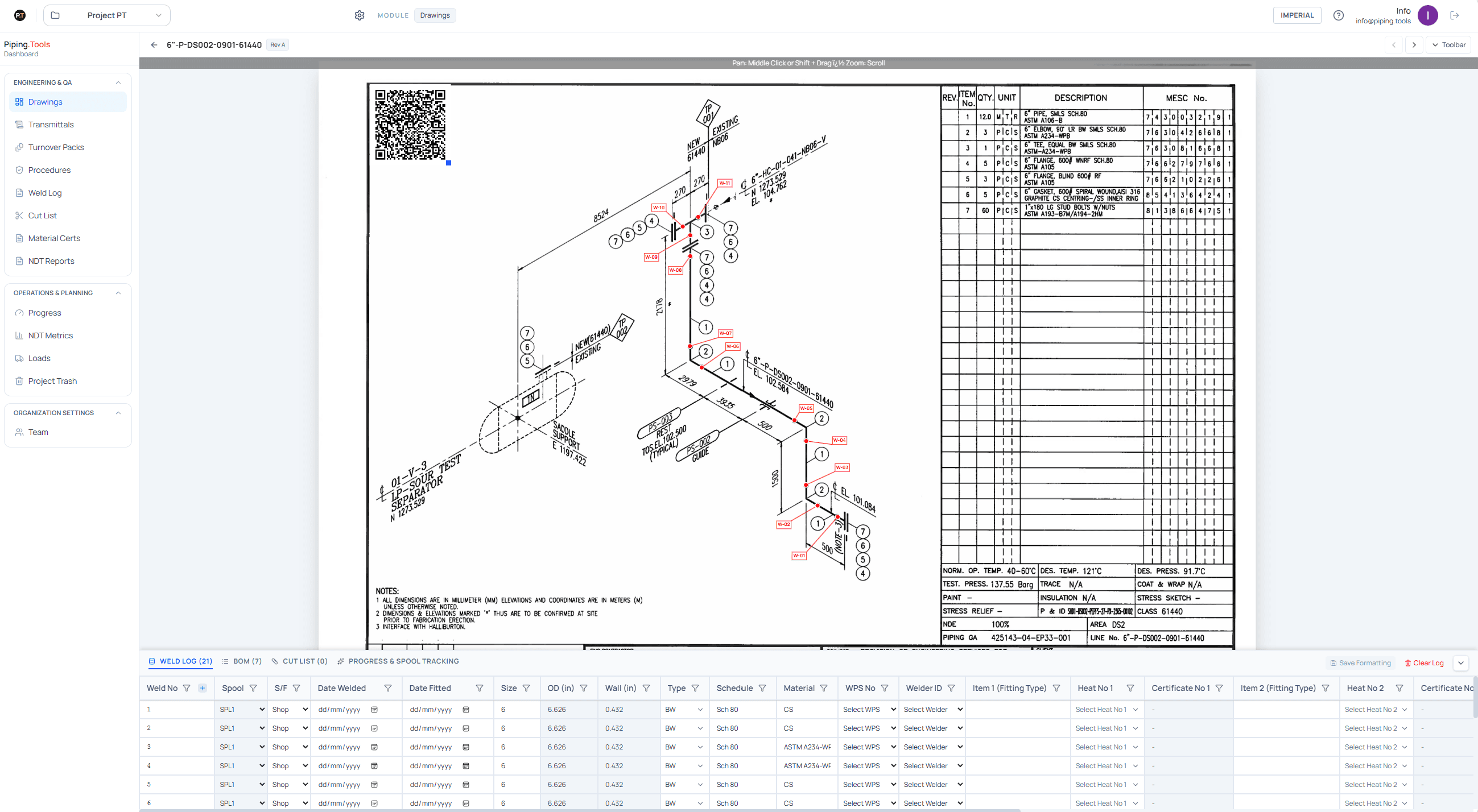
Upload a PDF isometric. Piping.Tools finds the welds, materials, and lengths and puts them into clear lists beside the drawing. You check the result before using or exporting it.
Prefer to look around first? See a scanned example.
The free account is for your own projects. For company use, we first scan a small set of your drawings and check the result with you.
One place
Drawing and records
Easy to check
Your team stays in control
Ready to hand over
Excel, PDF, and packs
Start small
Free account or company drawing test
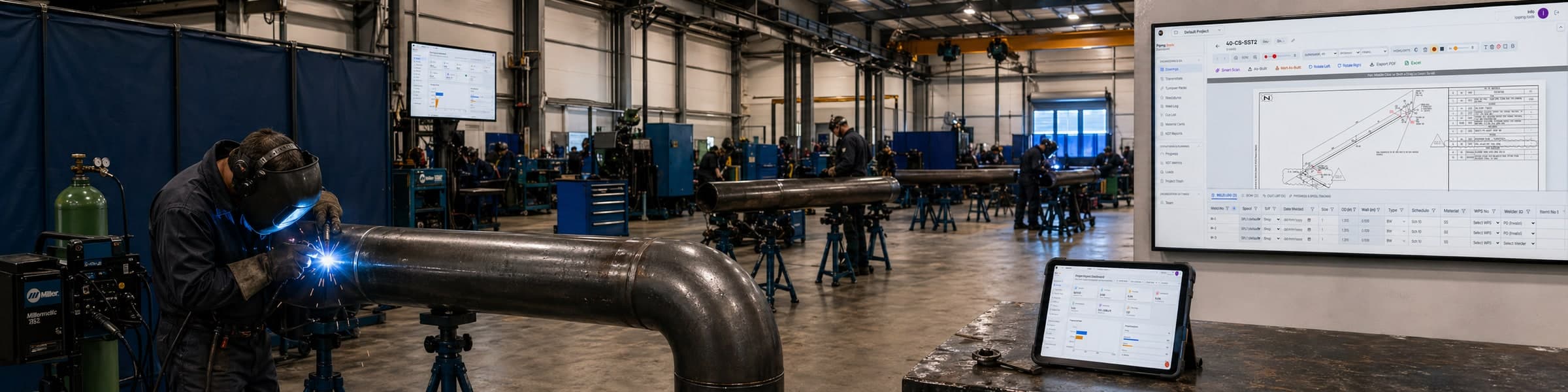
Piping.Tools supports fabrication management and pipe fabrication tracking alongside weld logging. Keep recorded spool, welder, and NDE context close to the drawings your engineers issue.

Record cut, fit, weld, NDE, paint, and shipping status against the drawing register your engineers already use.
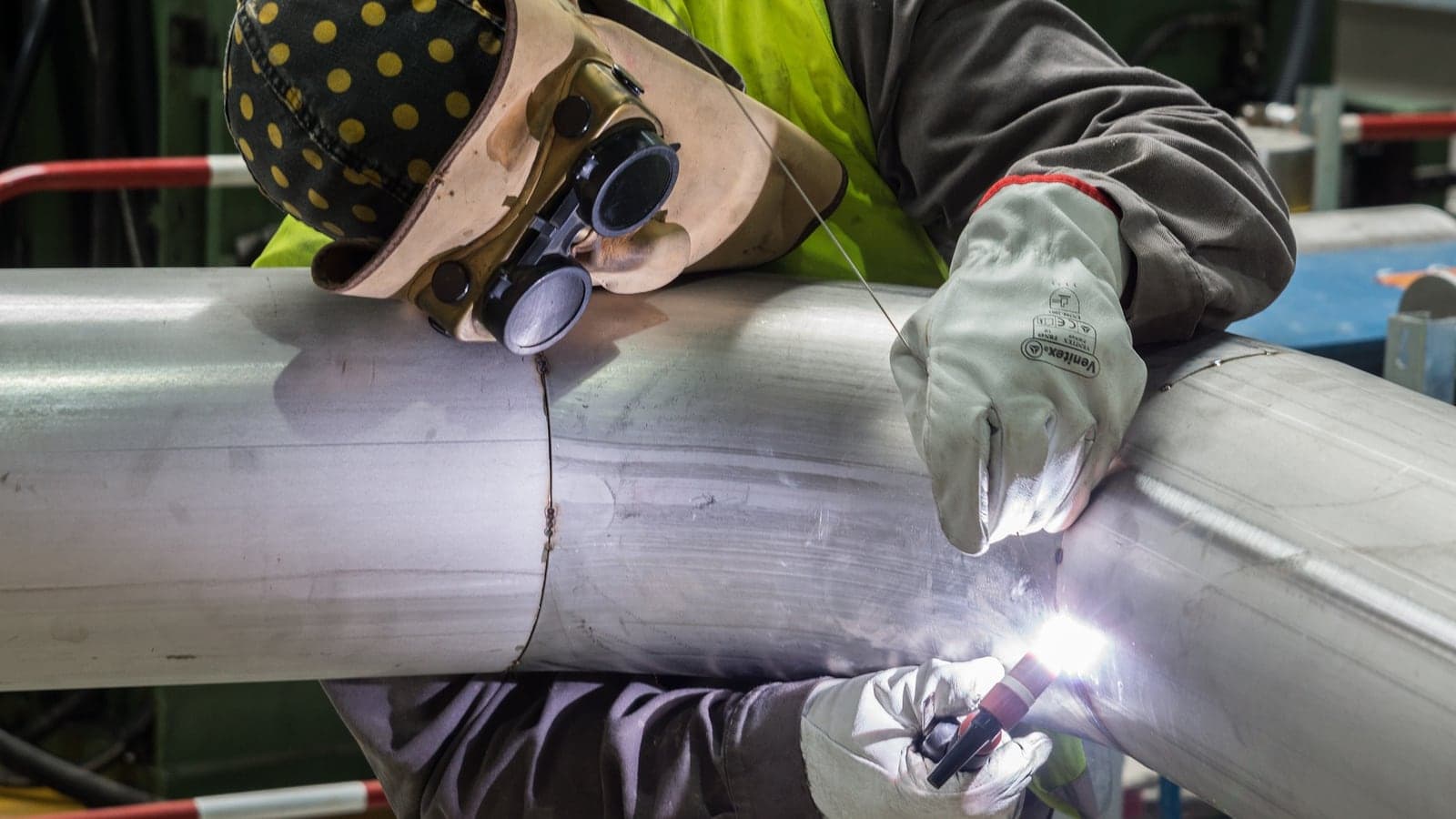
Drawings, weld procedures, welder qualifications, material certs, and NDE reports can be linked to the same job for review.

Keep weld identifiers, welder qualifications, WPS references, and final handover details linked in a reviewable record.
Definition
A weld log is a document used in piping engineering to track the history of every weld, including who made it, which procedure and material were used, and the inspection result.
How it works
Use the example isometric or add one of your own piping drawings.
The scan lists the welds, materials, and lengths beside the original drawing. Correct anything before saving it.
Build the weld log or parts list, mark progress, and export Excel or PDF when you are ready.
| Feature | Separate spreadsheets | Scan with Piping.Tools |
|---|---|---|
| Weld list | Repeated manual entry | Found on the drawing |
| Parts list | Re-keyed from drawing | Read from the material table |
| Drawing marks | Separate PDF file | Kept on the source PDF |
| Drawing issue | Pack built by hand | Drawings selected from one list |
| Progress updates | Copies drift over time | One current list |
| Sharing the result | Reformatted each time | Download Excel or PDF |
Try scanning an example drawing
This made-up drawing contains no customer data. Choose Scan to fill in example welds and parts, then compare them with the PDF. You can also turn on Weld Markup and add a marker to the drawing. Anything you do here disappears when you leave.
Preparing the example
The example drawing loads when you reach this section.
What you can do
Scan the drawing once, check the result, and use the same information for the weld log, parts list, progress updates, and final files.
Upload a PDF isometric and let Piping.Tools find the welds, materials, and lengths for you to check.
Start with the welds found on the drawing, then add the welder, procedure, material, and inspection details.
See which welds are complete, which are waiting for inspection, and which are still open.
Download the checked weld log or parts list as Excel or PDF when it is ready to share.
Built for real work
Open the example drawing or try a small set of your own. Check the welds, materials, and lengths found by the scan before deciding if it suits your team.
Compare each weld, material, and length with the source PDF while you review it.
Edit anything the scan gets wrong. Your team decides what is saved and shared.
Download checked weld logs and parts lists as Excel or PDF.
For company use
Start with a small set of typical drawings. Agree what the scan should find, who will check it, how files are protected, and what the service will cost.
See the company setupAgree which lists and files you need, and who must check them.
Confirm who can see the drawings and how the files are protected.
See the software, setup, support, and any custom work as separate costs.
Resource Library
A plain checklist of what to check before sharing a finished weld log.
Read moreDefinitions for the fields that matter most in day-to-day fabrication control.
Read moreSee one complete weld row and what each field is for.
Read moreCompare typing a weld log by hand with scanning the same set of drawings.
Read moreFAQ
Plans
Create a free account for your own projects. For company use, start by scanning a small set of your drawings and checking the results together.
Individual
Free
Drawing review, weld tracking, exports, and project history when you are working on your own.
Company drawing test
Small paid test
A small drawing set, agreed lists and file formats, review sessions, and a clear decision point.
Company plan
Annual agreement
A shared company account and support after the drawing test is complete. Any extra setup or special requests are priced separately.
Team quotes show the account, setup, support, and any additional work separately.